Understanding the Basics of vpn
What is a vpn?
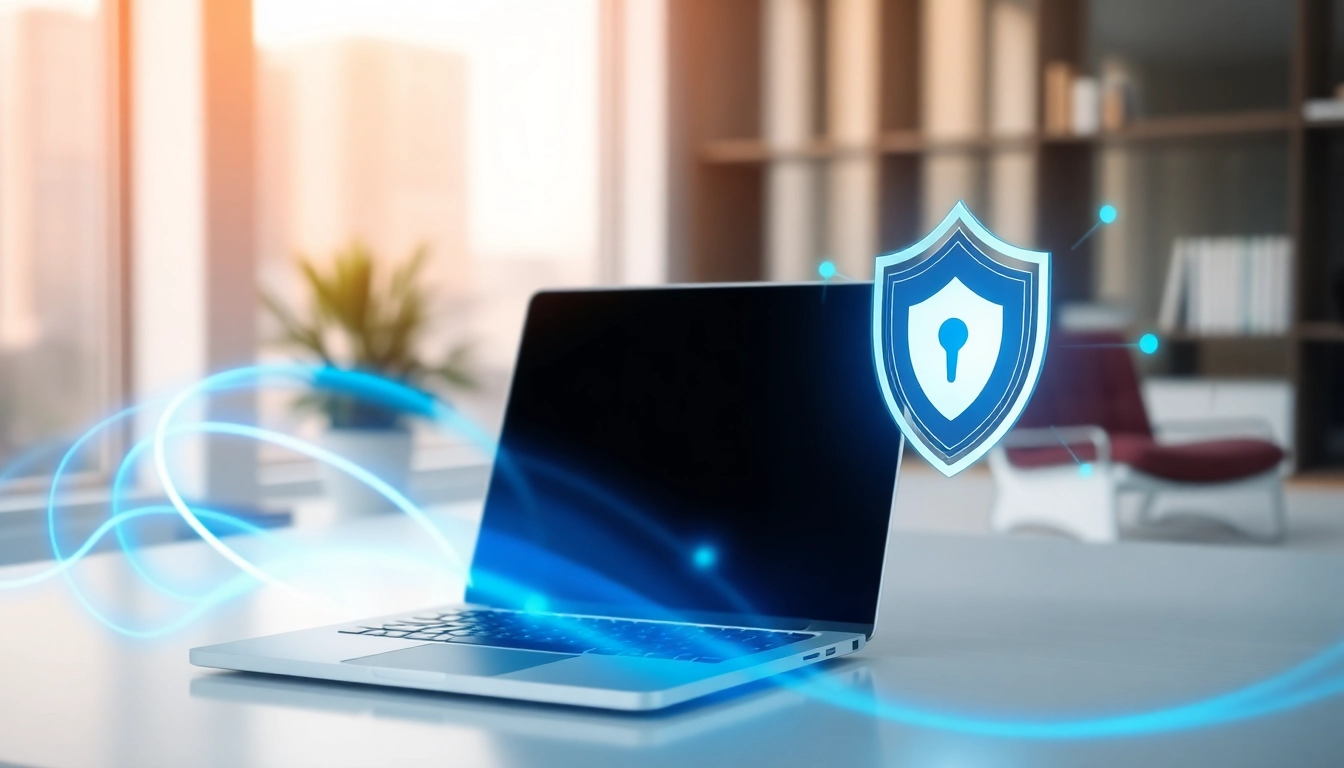
A virtual private network, commonly known as a vpn, is a technology that creates a secure, encrypted connection over a less secure network, such as the Internet. This robust system allows users to send and receive data as if their devices were directly connected to a private network, thereby ensuring privacy and anonymity online.
In essence, a vpn masks a user’s IP address, routing it through a server operated by the vpn provider instead. This helps maintain anonymity while browsing and can also help bypass censorship or geo-restrictions on content.
How does a vpn work?
A vpn operates through several key functionalities:
- Encryption: It encrypts the user’s data, making it unreadable to potential snoopers. This encryption protects sensitive information from cybercriminals, especially when using public Wi-Fi.
- Tunneling: This process creates a secure tunnel between the user’s device and the vpn server. Tunneling protocols are utilized for this, with options such as OpenVPN, L2TP/IPsec, and PPTP.
- IP Masking: By masking the user’s original IP address, a vpn replaces it with the IP address of the vpn server. This protects users’ locations and browsing habits from being tracked.
Common uses for vpn
Users employ a vpn for various reasons, including:
- Enhanced Security: Protects private data when using unsecured networks.
- Accessing Geo-Restricted Content: Allows users to access content that may be blocked in their country.
- Anonymity Online: Hides the user’s online activities from ISPs and other agencies.
- Safe Remote Access: Businesses utilize vpns to grant remote employees secure access to internal networks.
Benefits of Using a vpn
Improved Privacy and Anonymity
Using a vpn significantly enhances users’ online privacy. With the ability to hide their IP addresses and encrypt their internet traffic, users can navigate the web with greater anonymity. This reduced visibility limits the potential for targeted advertising and ID tracking.
Access to Restricted Content
Vpns are invaluable tools for accessing restricted content. In many cases, certain websites and services are geo-blocked, preventing access based on the user’s location. By connecting to a vpn server in a different region, users can unlock this content and experience the internet without barriers.
Protection on Public Wi-Fi
Public Wi-Fi, while convenient, poses significant security risks. Using a vpn secures your connection and protects your data from potential attacks, making public networks safer for browsing, shopping, and conducting other sensitive activities.
Choosing the Right vpn for You
Key Features to Look For
When selecting a vpn, consider the following features to ensure it fits your requirements:
- Security Protocols: Look for strong encryption standards and advanced security protocols.
- No-Log Policy: Choose providers that do not log user activity.
- Server Locations: A diverse range of server locations allows greater access to geo-restricted content.
- Speed and Performance: Evaluate connection speeds and overall network performance.
- Customer Support: Consider brands that offer reliable customer support options.
Free vs. Paid vpn Services
While free vpns may seem appealing, they often come with limitations such as bandwidth caps, fewer server options, and weaker security. Paid vpns generally provide superior features, reliable performance, and enhanced security measures, making them a more worthwhile investment in the long run.
User Reviews and Recommendations
Before selecting a vpn service, read user reviews and recommendations to gauge their experiences and the service’s reliability. Community feedback can provide valuable insight into performance issues and customer support quality.
Implementing Your vpn
Step-by-Step Setup Guide
Setting up a vpn is typically straightforward. Here’s a high-level overview of the steps:
- Select a vpn provider and create an account.
- Download and install the specific app or software for your device.
- Open the application and log into your account.
- Connect to a server of your choice, preferably one nearest to your location for optimal speed.
- Confirm your connection is secure and enjoy browsing.
Configuring Your vpn Across Devices
Most vpns offer applications compatible with various devices, including desktops, laptops, tablets, and smartphones. Make sure to install the application on all devices you intend to use. Most platforms provide user-friendly interfaces, guiding you through the connection process seamlessly.
Troubleshooting Common Issues
Even the best vpns can encounter issues from time to time. Some common problems include:
- Connection Problems: Restart your device and check your internet connection.
- Slow Speeds: Try connecting to a different server or check for other applications consuming bandwidth.
- Access Issues: If a website is still inaccessible, you might need to clear your browser cache or switch your vpn server.
FAQs About vpn
What are the legal implications of using a vpn?
Using a vpn is legal in most countries. However, some regions impose restrictions or outright bans on their use. Always check local laws and regulations to ensure compliance.
What speed can I expect with a vpn?
While vpns can reduce your connection speed due to encryption and routing, many premium services minimize this impact. Speeds will vary depending on the server location and the provider’s infrastructure.
Can a vpn help with streaming?
Yes, vpns are excellent for bypassing geo-restrictions on streaming services, allowing access to content not available in your region. Ensure to choose a provider that has fast servers optimized for streaming.
How secure is my data with a vpn?
Vpns encrypt your data, providing a layer of security. However, the level of security depends on the vpn’s protocols and policies. Research the provider’s security measures to ensure your data is well protected.
Are free vpns reliable?
While some free vpns provide basic privacy features, many log user activity or compromise security for ad revenue. It’s advisable to review terms and privacy policies thoroughly before using free services.